How to add a paid preparer to the Tax Software
Setup & Configuring Paid Preparer
-
Log into the program as a user with administrator rights.
-
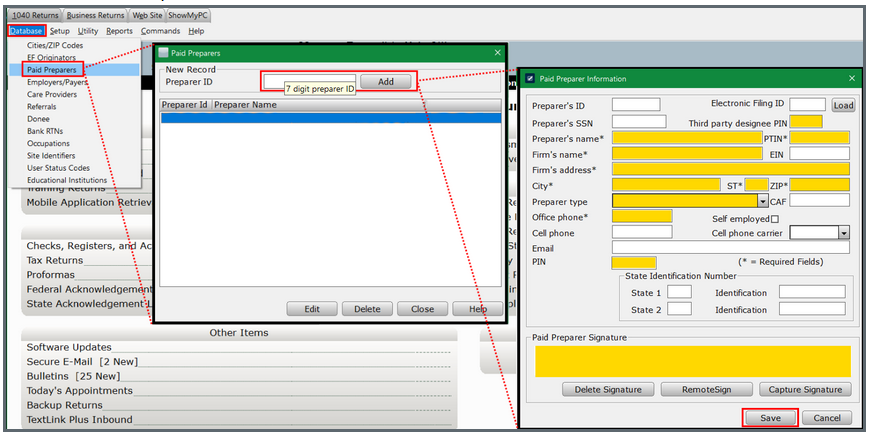
From the top menu, select Database > Paid Preparers.
-
Input Preparer ID (naming convention is Alpha/Numeric 7 digits).
-
Selecting Add will prompt the data entry location for that Preparer (Suggested highlighted areas below).
-
Click Save when completed.
Configuring Automatic Setup For Completing Preparer's Information (Link to Login Accounts)
-
From the top menu, select Setup > Login Accounts. The "Login Accounts" window will open.
-
Select the login that needs the preparer linked.
-
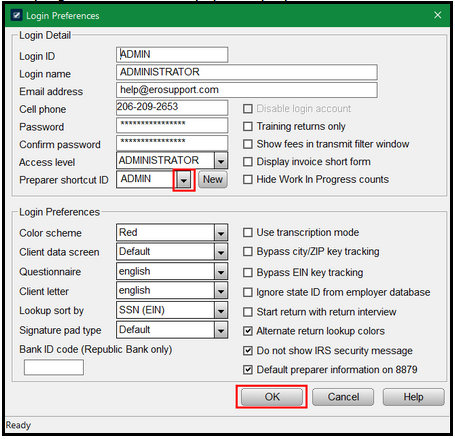
In the "Preparer Shortcut ID" field, use the dropdown to link correct preparer.
-
Click OK to save the changes.
The program will now auto-populate preparer data in new tax returns when logged in as this user.
-